


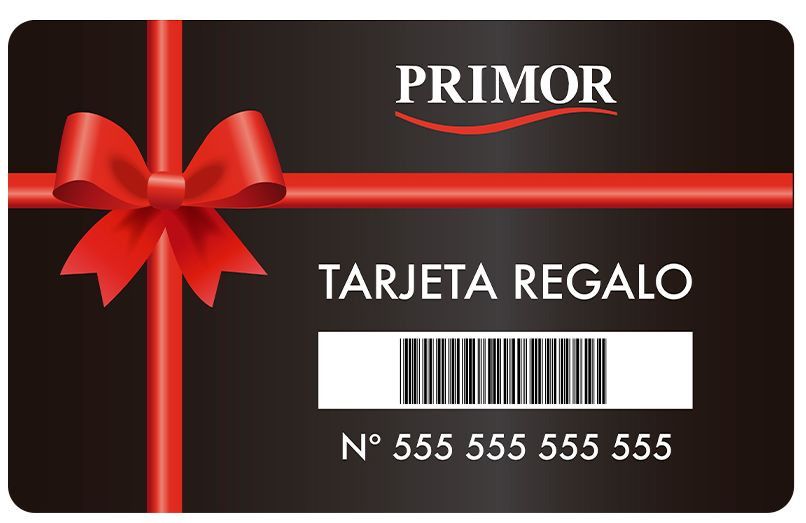

PRIMOR PHYSICAL GIFT CARD:
Don't know what to buy for that special someone? Want them to be able to choose their favorite beauty product themselves? Then the Primor gift card is the perfect gift.
It's a physical gift card that you can use in all Primor physical stores and in the online store (website and apps).
How does it work?
- Select the card amount you want to buy.
- Add it to your cart and pay as usual, just like any other product.
- The card will arrive by mail to the address you selected in your cart. Remember that if you want to give it as a gift, you can send it directly to your loved one's home by entering their address in the "Shipping Address" section of your shopping cart.
- Once you receive it, you can use your gift card in Primor physical stores, as well as on the website and app.
The gift card is bearer, meaning it can be used by anyone who possesses it, by entering the number and PIN that appear on the card.
The cards can be used in all Primor stores, both on the mainland and in the Canary Islands.
How to use a gift card in Primor stores:
- Choose the products you want to buy and go to the checkout.
- Use your gift card to pay, just like any other payment method.
- The cashier will be able to tell you the available balance on your card before and after you pay for your products.
How to use a gift card on the Primor website:
- Add all the products you want to buy to your cart.
- On the cart page, click where it says "Redeem Gift Card." A page will open where you must enter the card number and PIN.
- Enter the gift card number and PIN on the corresponding page. Remember that the card number consists of 10 characters without spaces or symbols, and the PIN consists of 4 characters without spaces or symbols. Both fields are numbers only (no letters).
- You will see the available balance on your card and you can choose how much you want to use. Choose the amount you want to use on your current order.
- A unique code will be generated with the selected amount. Copy and paste it into the shopping cart, where it says "Gift Card Coupon." Click "Apply."
- Done! Complete your order as usual. If you haven't used the entire available amount, the remaining balance will be available for a future purchase on the website.
- Remember that you can see all your active discount codes on this page.
Comment